After logging into
MultiTerm Online with an
Administration user, click on Administration and check what this line says:
Show edit buttons in the toolbar: false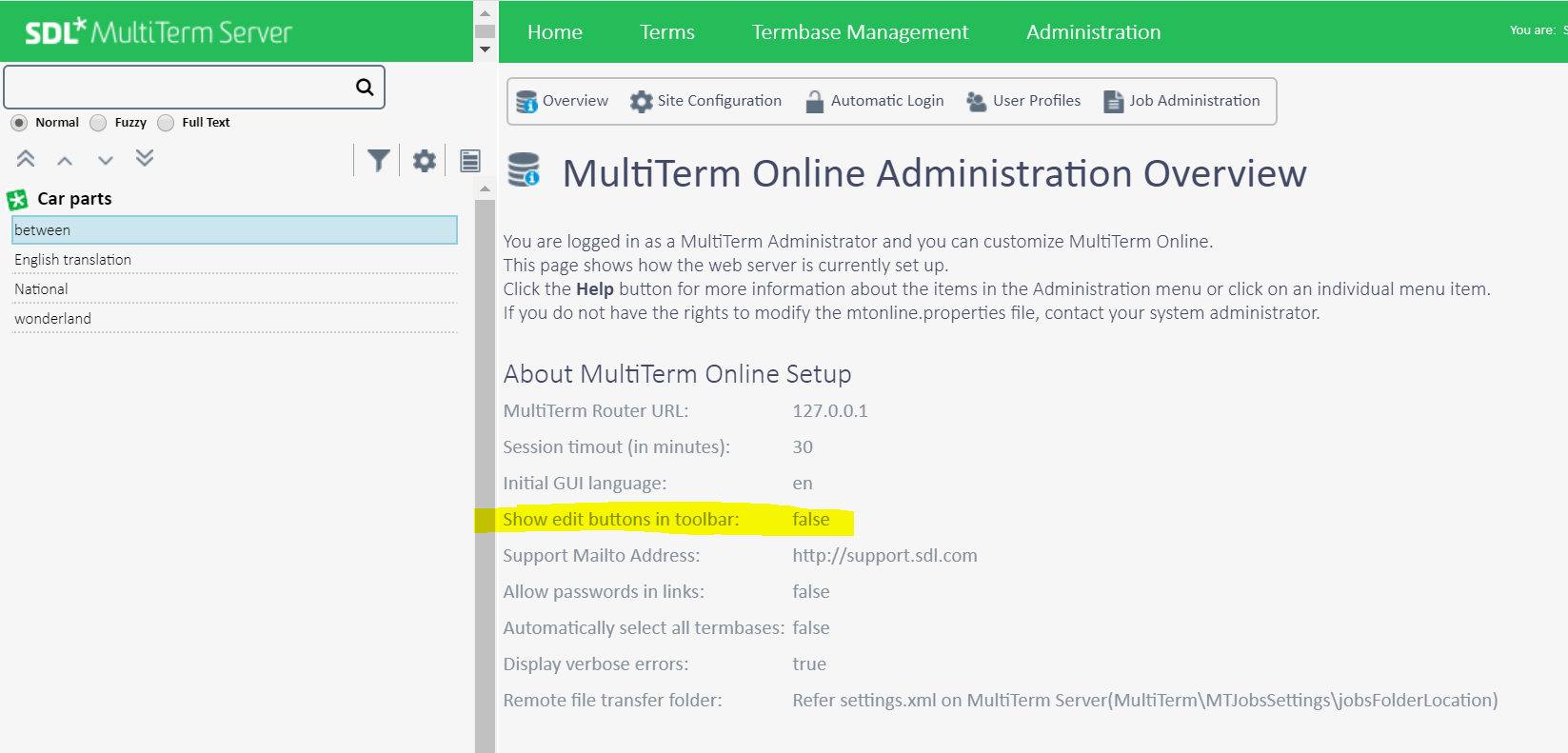
This is a defect in
Trados GroupShare 2017 and in
Trados GroupShare 2020 SR1: CRQ-34236.
The reason for this issue is that a user has no "
Edit Without Input Model" permission and the
Termbase does not have an
input model. Therefore the user does not have permission to edit the
Termbase. The code should only disable the
Termbase editing for this
Termbase and this user. However, the original code
set edit enabled for true for a global variable - which causes all the
Termbases Edit disabled. Regarding
Trados GroupShare 2020, the permanent fix is implemented in the
CU09 version, where the coding was changed accordingly.
